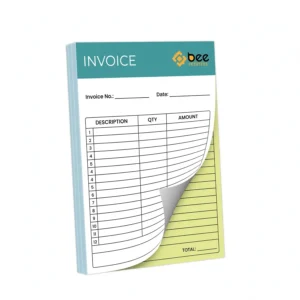
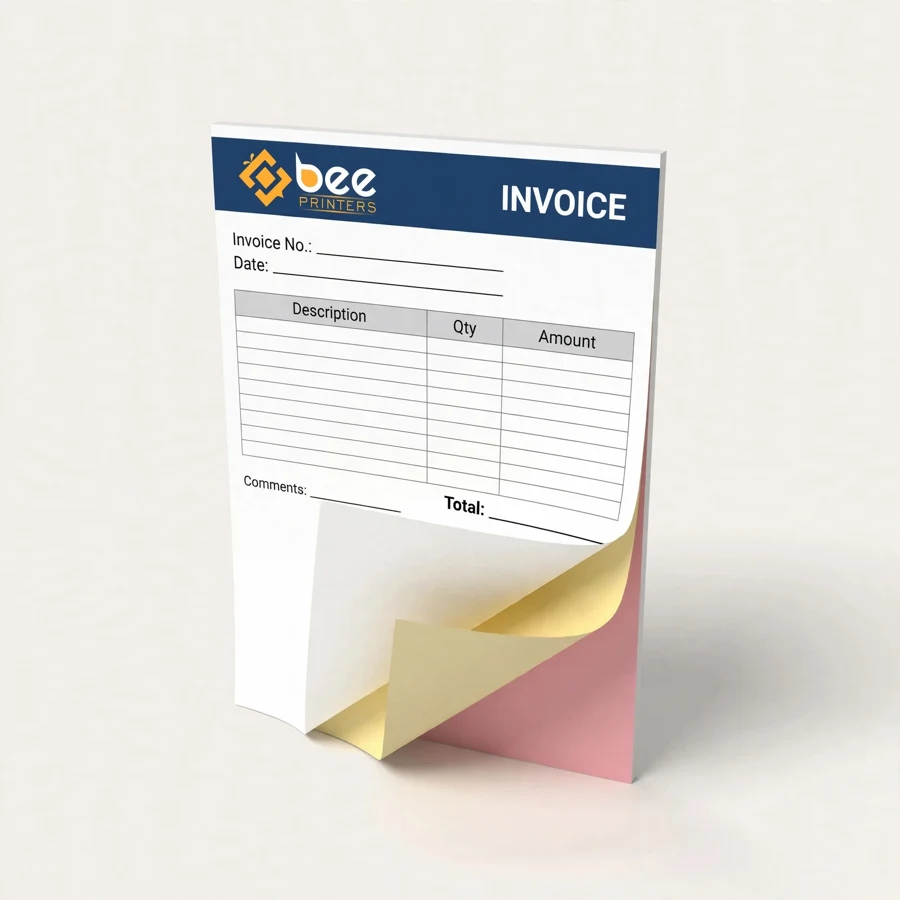
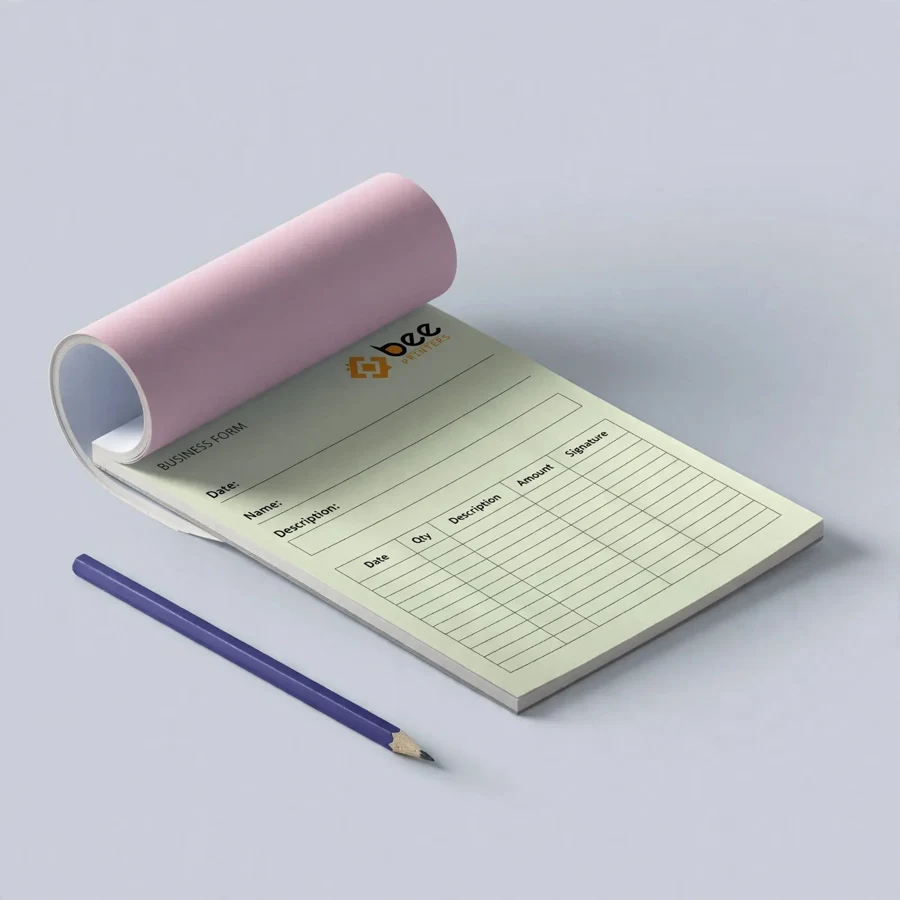
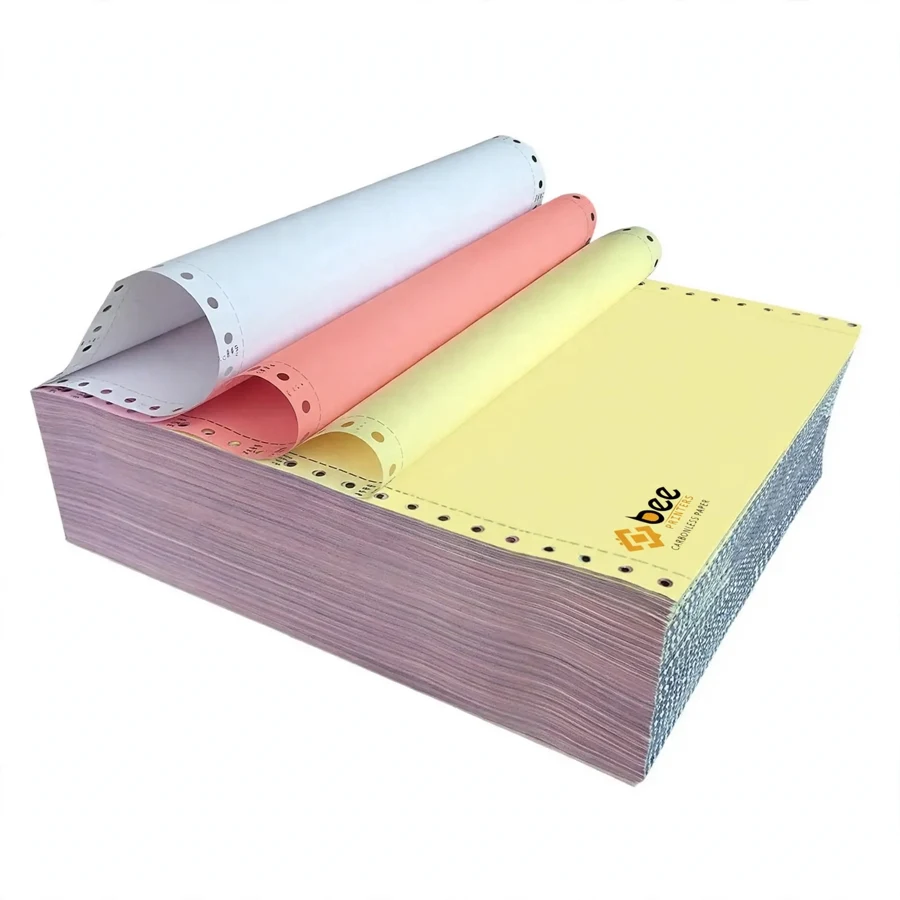
Carbonless paper makes duplicate copies without a carbon sheet, a copier or any extra step. Write once on the top sheet and the same words, figures and signatures appear on every sheet beneath it, clean and legible. At Bee Printers, carbonless paper is supplied in white, canary and pink, in sheets and in printed multi-part sets, for invoices, receipts, delivery notes, work orders and business forms of every kind.
The paper is coated with microscopic capsules that hold a colorless dye. Pressure from a pen or an impact printer breaks the capsules on the back of the top sheet, and the dye reacts with a coating on the front of the sheet below to form a visible image. The process repeats down through the set until the last sheet, which is coated on the front only and stops the transfer. There is no loose carbon to insert, no smudged fingers, and no carbon paper to throw away afterward.
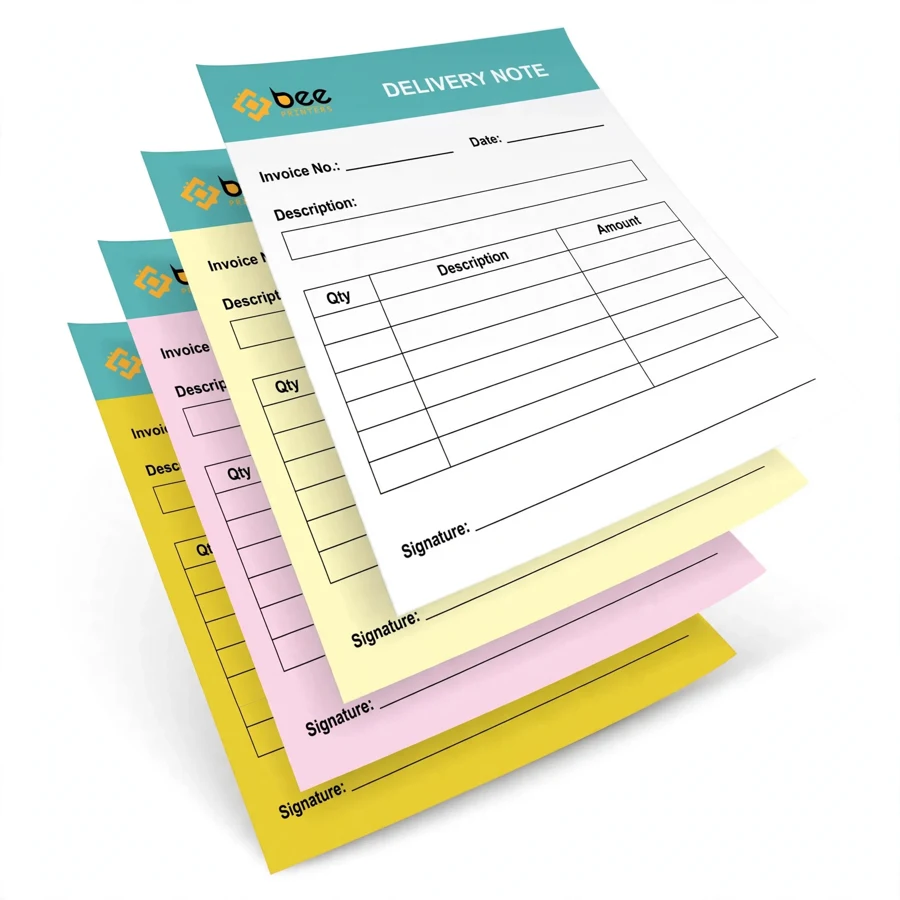
Each sheet in a carbonless set has a fixed job, decided by which sides are coated. The top sheet, known as CB for “coated back”, carries the capsule coating on its reverse. The middle sheets, known as CFB for “coated front and back”, receive the image on the front and pass it on from the back. The bottom sheet, known as CF for “coated front”, receives the final image and ends the chain. A two-part set uses a CB sheet over a CF sheet. A three-part set adds a CFB sheet in the middle. A four-part set adds a second CFB sheet.
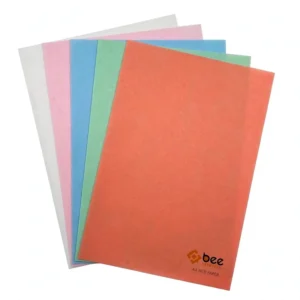
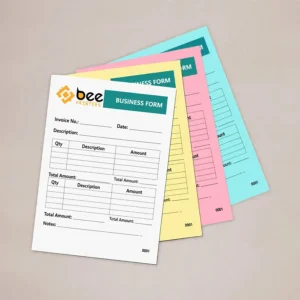
The color sequence helps everyone in the workflow. The top sheet is usually white, the middle sheets are canary yellow, and the bottom sheet is pink. The colors make it obvious at a glance which copy is the original and which copy belongs to the customer, the driver or the file. Other color orders can be arranged, but the white, canary and pink sequence is the one most offices already understand without explanation.
Transfer quality depends on pressure and on the coating. A firm ballpoint pen and a hard writing surface give the sharpest copies, because the pressure has to reach every sheet in the set. A soft pen, a light touch or a padded surface absorbs the pressure before it reaches the bottom, which is the most common reason for a faint last copy. Well-coated paper keeps the bottom copy readable even in a four-part set.
Carbonless paper is available as loose sheets for businesses that print their own forms or feed them through an impact printer, and as printed sets that are glued into pads or bound into books. Loose sheets suit high-volume impact printing, where the printer strikes the set and the copies come out ready to separate. Pads suit a desk or a counter, with a stiff backing board that gives a firm writing surface. Books suit vans, site bags and field work, with a wraparound cover that protects the sets and keeps them in order.
The standard colors are white, canary yellow and pink, and they are used in that order from top to bottom. White gives the cleanest original for the file, canary stands out as the customer copy, and pink marks the final copy for the office or the delivery record. Single-color sets are also possible, and the sheets can be printed in any color combination the workflow requires.
Sizes run from compact receipt formats up to A4 and beyond. A4 suits full invoices with itemized lines, while smaller sizes suit receipts, order pads and delivery notes that need to fit a pocket. The sheet size is chosen around the amount of information the form must carry, and the same layout can be produced in more than one size for different uses.
Invoices are the classic carbonless form. The business keeps the original, the customer receives a copy, and a third copy can travel with the goods or sit in the delivery file. Receipts use the same structure on a smaller scale, with the customer copy serving as proof of payment and the retained copies supporting the daily takings record and the accounts.
Delivery notes depend on carbonless paper because the customer signs the top sheet and the signature transfers to every part. The signed copy, the customer copy and the office copy all show the same signature and the same delivery details, which settles any later question about what was delivered and when. Work orders use the extra copy for the person doing the job, so the workshop and the office work from the same instructions without anyone re-writing the form.
Order forms, quotations, credit notes, inspection reports, service agreements and contracts all follow the same logic. Anywhere a single entry needs to exist in more than one place at once, carbonless paper does the job without a copier, a scanner or a second round of writing. The form is the record, in every place it needs to be, the moment the pen lifts.
Most buyers order carbonless paper printed with their own layout. A printed form carries the business name, logo, address, phone number and registration details on every part, so each copy is a complete branded document rather than a blank sheet. Form fields, tables and lines are printed in the same position on every sheet, so the writing lines up from the top copy to the bottom.
Sequential numbering is the most useful print option. Each set carries the next number in the sequence on every part, which makes it easy to spot a missing invoice, match a customer copy back to the office file, and keep the accounts in order. Numbering can start at any number the business chooses, so a switch to printed carbonless forms can continue an existing invoice sequence without a break.
Other print choices include a perforation so the customer copy tears away cleanly, terms and conditions on the reverse of the bottom sheet, and a colored header band that carries the brand colors. The print is matched across the white, canary and pink sheets so that every copy looks like it belongs to the same form, which it does.
The first decision is the number of parts. Two parts cover the simple case: one copy for the business and one for the customer. Three parts add a copy for a driver, a workshop, an accounts department or a head office. Four parts cover longer chains where a supplier, a transporter, a customer and an office all need the same signed record. Ordering too few parts forces someone to photocopy, and ordering too many wastes a sheet on every form.
The second decision is the format. Loose sheets suit impact printers and high-volume runs. Pads suit counters and desks. Books suit mobile work. The third decision is the paper weight: lighter sheets transfer more easily and keep a thick pad slim, while heavier sheets feel more substantial and stand up better to handling and filing. A sample set is the simplest way to check the transfer quality, the feel of the paper and the alignment of the printed layout before ordering in bulk.
Storage matters too. Carbonless paper should be kept flat, dry and away from heat, because damp and heat can affect the coating. Stacks should not be crushed under heavy weight, and printed sets should stay in their wrapping until use so the sheets stay clean and the coating stays active. Kept properly, carbonless paper stays reliable for a long shelf life.
Carbonless paper is a consumable, and the unit cost falls as the quantity rises. Businesses that issue forms every day usually order in bulk and keep stock at each counter, van and site, so nobody runs out mid-shift. Bulk ordering also keeps the printed layout and the numbering sequence identical across the whole run, which matters when the forms carry the brand.
When ordering, it helps to know the number of parts, the sheet size, the quantity of sets, whether the forms are loose, padded or bound, and whether numbering or perforation is needed. The full carbonless range, including 2 part, 3 part and A4 formats, is listed in the NCR paper collection, where the options can be compared side by side before choosing.
For businesses that need other specialty papers alongside their carbonless forms, hot paper is another printable paper product available from the same supplier, useful for wrapping and food service applications.
No. The coating on the paper itself creates the copies. That is what “no carbon required” means, and it is why there is no smudging and no loose carbon sheet to handle.
No. Laser printers use heat, which can affect the coating. Carbonless paper is designed for handwriting with a ballpoint pen and for impact dot-matrix printers.
Two-part sets make one duplicate, three-part sets make two duplicates, and four-part sets make three. Each part adds one more identical copy of the same entry.
They mark the order of the copies. White is normally the original, canary is the middle copy, and pink is the bottom copy. The colors help everyone in the workflow tell the copies apart at a glance.
Yes. Business details, logos, form fields, sequential numbering and perforation can all be printed on carbonless sets, with the layout matched across every part.
| Material | Kraft, Cardboard, Corrugated, Rigid stock |
| Sizes | All custom sizes (any length × width × height) |
| Printing | CMYK / PMS, full-color, offset & digital |
| Finishing | Matte, Gloss, Soft-touch, Foil, Spot UV, Embossing |
| Add-ons | Window cut-outs, inserts, interior printing |
| Minimum Order | 100 boxes |
| Turnaround | 7 to 10 business days after design approval |
| Shipping | Free shipping across the US |